Make the story work
Select the useful footage, arrange the scenes, and remove repetition. Keep an earlier project version before making major changes.
Pinnacle Studio / Workflow overview
Explore Pinnacle Studio for Windows. Build a clear editing process and choose the tools that fit your footage.
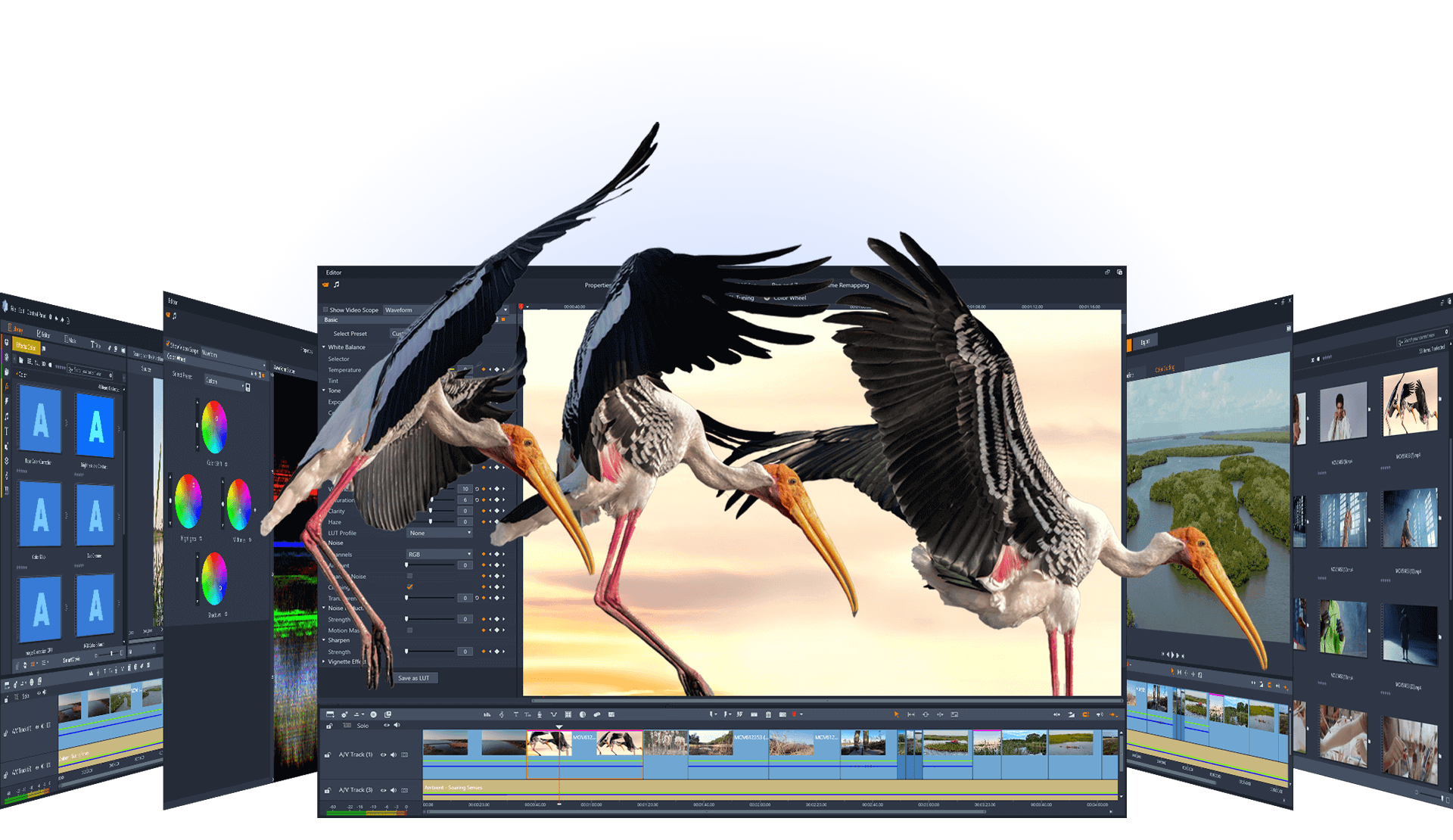
Inside the workspace
Keep the big picture in view while working on the moments that shape it. Explore timeline tools, keyframes, and the creative features in each edition.
Tools at a glance
A starting point for exploring the product. Confirm current availability in the official edition comparison.
| Editing task | What to explore | Edition note |
|---|---|---|
| Arrange a sequence | Timeline editing and titles for building the structure of your video. | Track limits vary |
| Control movement | Keyframes for changes to effects and motion over time. | Compare tool details |
| Refine color | Full color grading for more detailed adjustments. | Ultimate feature |
| Isolate an area | Video masking and motion tracking for selected parts of a shot. | Ultimate features |
| Combine camera angles | Multicamera editing for footage from more than one viewpoint. | Limits vary by edition |
Review the full official comparison before selecting a license.
A repeatable process
Select the useful footage, arrange the scenes, and remove repetition. Keep an earlier project version before making major changes.
Check the look and sound across adjacent clips. Review titles at the viewing size your audience will use.
Watch the exported video, confirm its format, and keep the source files and project for later revisions.
Before choosing an edition
Check compatibility before committing to a larger project.
Pick an edition based on the tools you plan to use.
Common questions
It is commercial software. The official website provides current trial and purchase options. Review the trial terms and included features before downloading.
No. Video masking and full color grading are among the Ultimate features. Track and multicamera limits also differ by edition.
Use the technical specifications on the official product page. Requirements can depend on the footage and editing features you intend to use.
No. This is an independent guide. Use the official Pinnacle resources for downloads, product support, purchases, and licensing questions.
Build your next project